
Before the meeting
Give your notes
a little direction
Choose a summary template before you record,
so the finished notes follow a structure
that makes sense for the conversation.
- Action items
- Client follow-ups
- Interview notes

Stay focused while Notexa turns your meetings into summaries, decisions, and next steps in the format you choose.
No credit card required




 Maya, KenjiEU launch
Notexa assists you
Choose a summary template before you record,
so the finished notes follow a structure
that makes sense for the conversation.
Let Notexa record while you listen,
ask questions and take part.
You can return to the recording and
transcript afterwards.
Get a summary of what was discussed, decided, and
agreed next. Share it with participants when you’re
ready.
Ask questions about your meeting. Find decisions, deadlines, and commitments without replaying the conversation.
Choose your device, start recording, and let Notexa turn
the conversation into notes and next steps


Record calls from any app on your Mac or Windows computer.

Record in-person conversations and get transcripts and summaries on your phone.

Record Google Meet calls directly in Chrome, with no desktop app to install.
Choose from a range of templates for different roles and meeting types, or
create your own.
Get notes focused on what matters in each conversation.
Sales template
Onboard 40 reps before Q1
Keep every call note in one place
Needs SSO before the rollout
 Samira · Thu
Share takeaways, save summaries, and connect your
calendars with the tools you already use.

Keep customer records up to date with meeting summaries and next steps.

Turn meeting decisions into tasks your team can act on.

Keep interview notes alongside candidate information.

Send summaries and action items to your team’s channels.
















Keep your recordings private, choose who gets a copy,
and delete what you no longer need.
See how your conversations are protected and how you can manage or delete your data.
Your recordings, transcripts, and notes are encrypted in transit and at rest.
Your conversations are private by default, and your notes stay confidential.
Neither Notexa nor its AI providers use your recordings, transcripts, or generated notes to train AI models.
Delete recordings, transcripts, and notes you no longer need.
Notexa records your conversations and turns
them into transcripts and summaries. Choose a
summary template, ask AI about your
recordings, and share the notes you want
others to see.
Focus on the conversation while Notexa captures the details and
turns them into clear notes and next steps.
 Maya
Maya Kenji
Kenji Nina
Nina Leo
Leo Ella
Ella SaraEU expansion
Should we prioritize Germany or Netherlands for the EU pilot?

Let’s start with Germany and revisit the Netherlands after the pilot. I’ll arrange customer interviews next week to test our messaging.
Agreed. I’ll send the localized landing page draft on Friday. We still need to decide whether to change our pricing for the EU launch.
NotexaTranscriptAudioVideoNo bot in the call
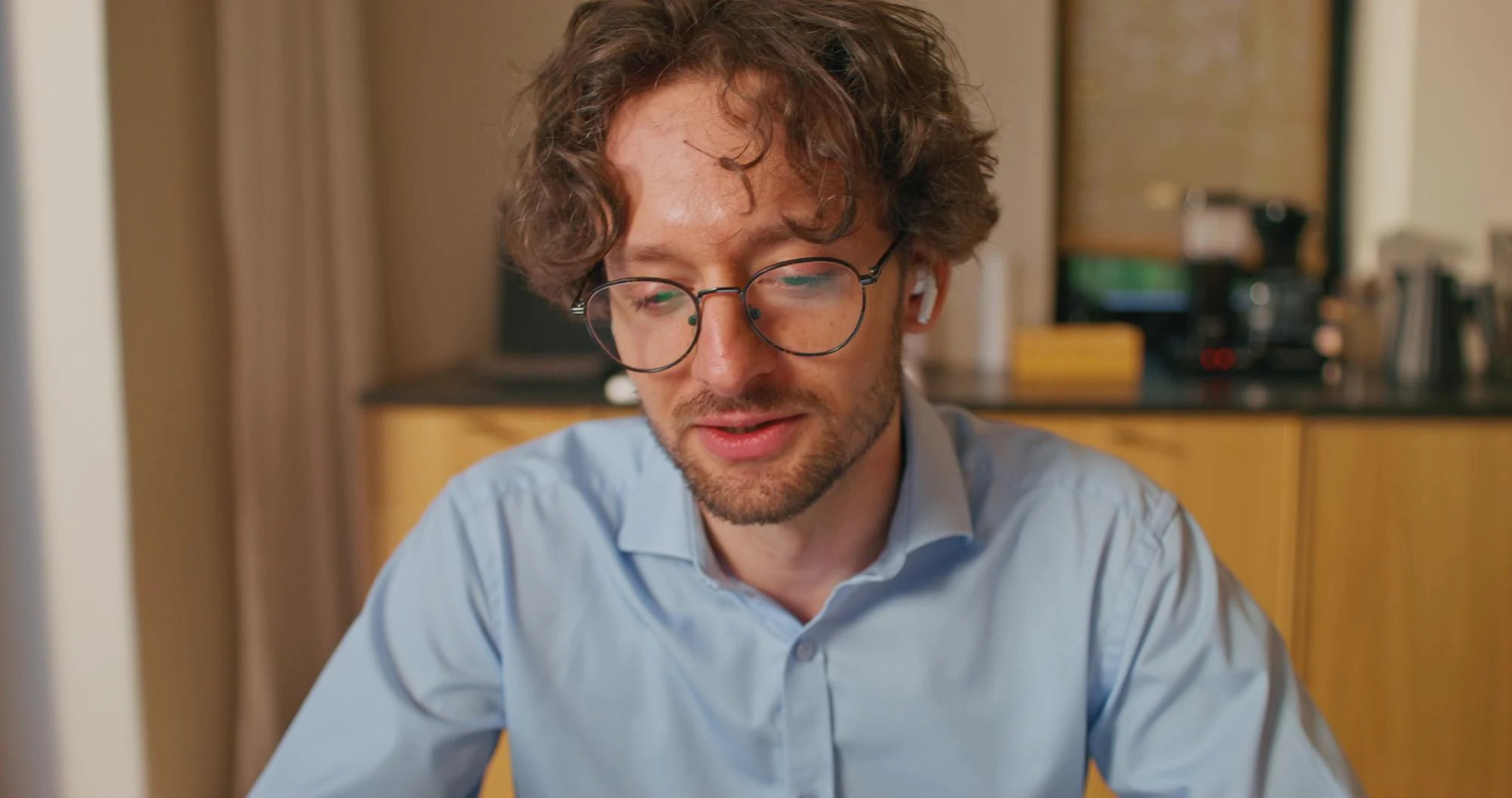


 Viktoria
 Yuna
Yuna




 Kenji
Kenji